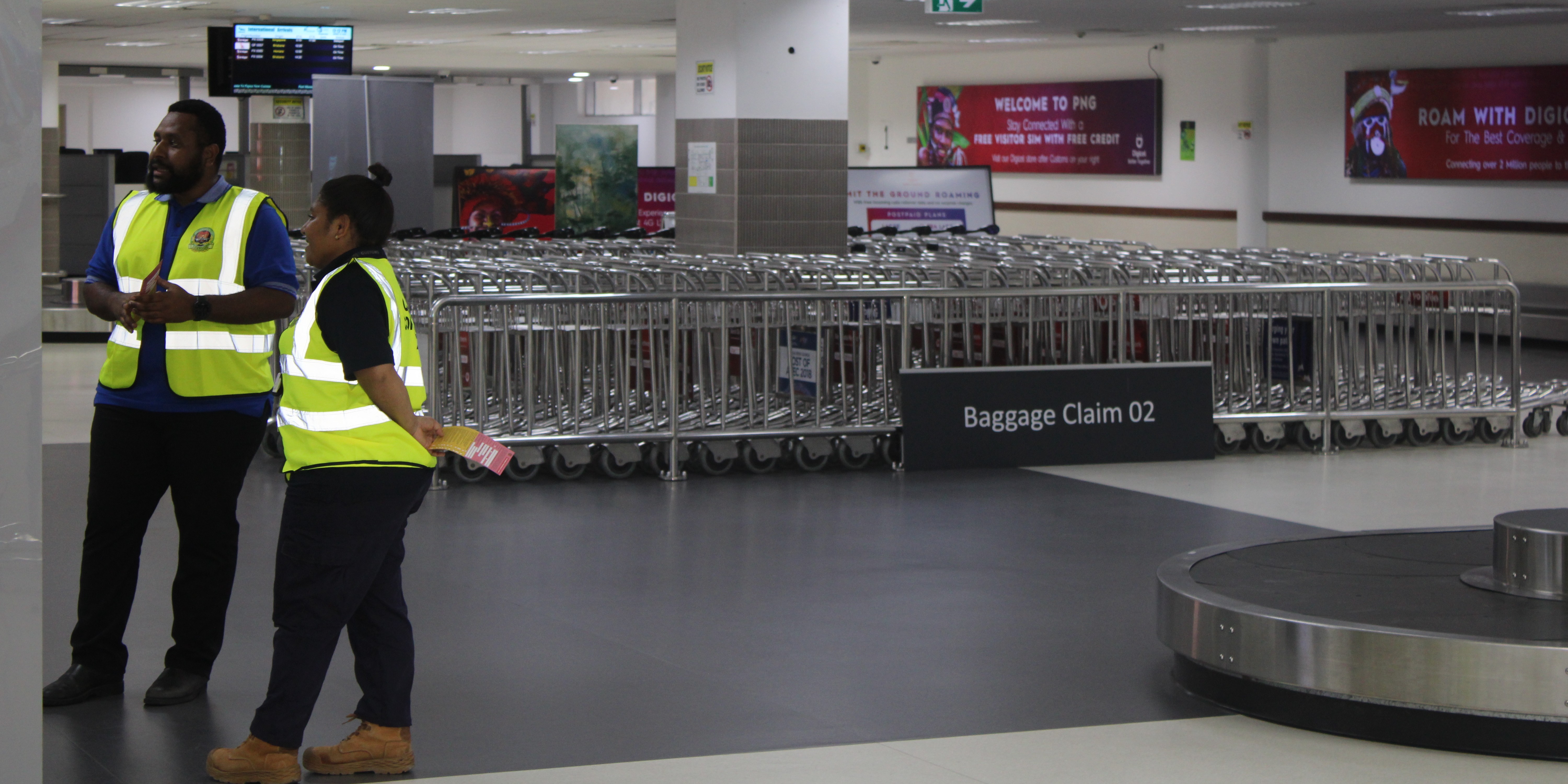
Customs duties and taxes are to be paid through the Central Bank of Papua New Guinea (BPNG). This method applies only to assessed declaration(s) and has been effective since 2016.
ℹ️ Recommendation: Importers, exporters, and brokers are strongly advised to utilise this method of payment.
How to Make an E-Payment
ℹ️ Prior to making and official transaction, importers/exporters are to receive an assessment notice from ASYCUDA.
For your convenience, the ASYCUDA system automatically captures a fourteen (14) digit payment reference code at the bottom of every assessment notice for your relevant declaration; e.g. 14-digit code: 2016POMI123456
This payment reference is sent to the bank along with the bank account number.
You are required to make necessary arrangements with your commercial bank to perform an interbank transfer directly from your respective bank account to the Customs Revenue Administration Account at BPNG.
Ensure you use the following bank account details for your transfer:
| Account Name | Customs Revenue Administration Account |
|---|---|
| Account Number | 4314 6574 |
| Bank | BPNG (Port Moresby) |
| BSB | 121 - 001 |
Benefits of the E-Payment System
- Fully Automated: The payment system is fully automated.
- Instant Receipts: Receipts can be printed at your location without confirmation from PNG Customs Service.
- Convenience: No need to wait for manual confirmation from Customs.
Need more information?
For more information regarding e-payments, please contact 📧 accounts@customs.gov.pg
Register for Importing/Exporting
Importing a vehicle
Forms & Guides